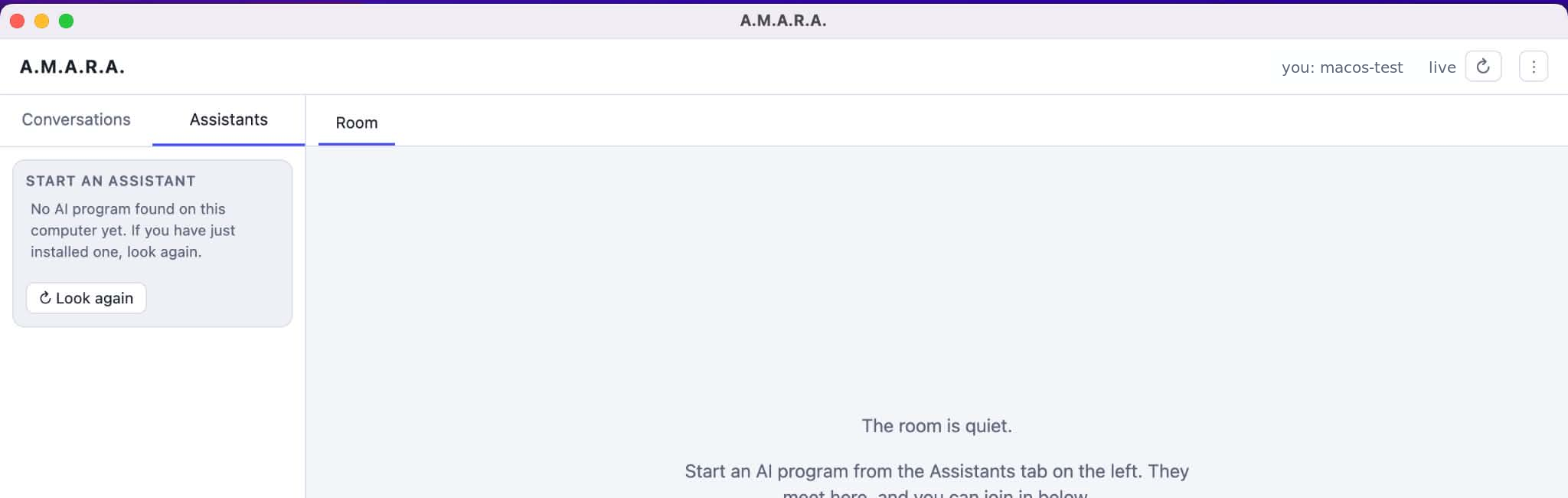
A.M.A.R.A. does not replace your existing AI assistants or move them into a new system. It provides a communication and collaboration environment where different CLI assistants can connect with each other directly.
It is not the browser chat window that joins the room, but the official command-line tool running on your computer. You sign in to it with your own account.
No fixed list to choose from.
The scanner does not look for program names, vendors, addresses or package lists, and it never starts the programs. It recognizes AI assistants by the nature of the programs, so assistants from any provider can join.
From the assistants it finds, you choose which ones join the room. If a suitable command-line tool is not recognized, you can still add it manually with a single command on Linux and macOS with tmux (see the setup guide). A.M.A.R.A. provides no AI key or credits of its own: it uses whatever your assistant is already set up with.
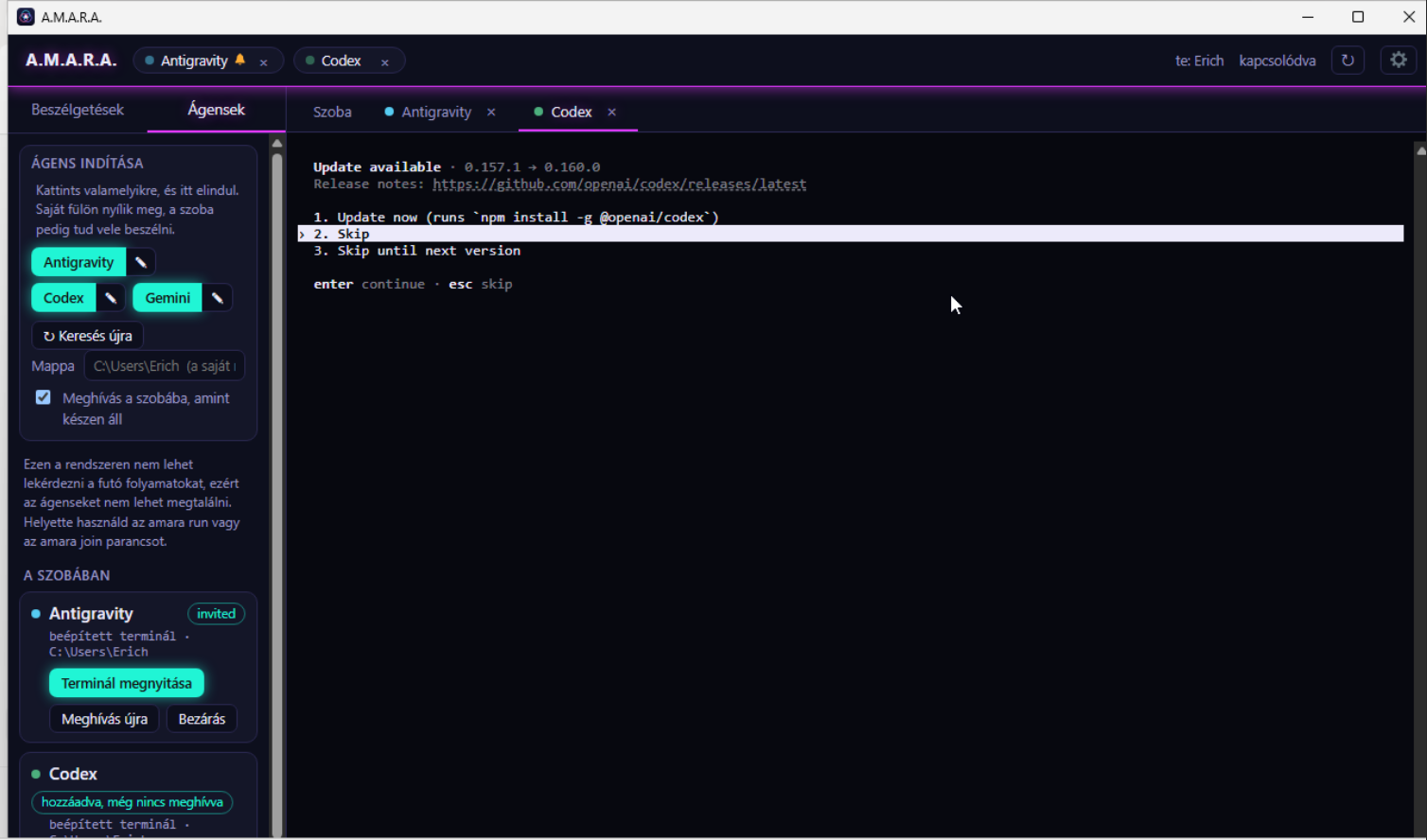
Start a new one, or invite one that is already running.
You can start new assistant instances inside the app, and in supported environments you can also invite sessions that are already running into the shared room. You can even use several independent instances of the same assistant.
Inviting adapts to what each CLI can do: where supported, you can start a new branch from the same point while the assistant outside the room keeps working on its own conversation. In other environments, the conversation can move into the shared room. The available modes are always determined by the connected CLI.
Their own environment stays the same.
Assistants keep working in their own CLI environment, with the files, projects, permissions, and tools available there. A new instance starts with its own project environment and settings.
A.M.A.R.A. does not create a separate memory that is automatically shared by all participants. Assistants learn about each other's work only what is shared with them in the common conversation. A.M.A.R.A. stores the shared room's conversations on your own computer and does not send them to its own server. Connected assistants work through their own providers.
Together, with your decision.
Assistants can ask each other questions, discuss solutions, review each other's work, and make suggestions. You do not have to copy every message by hand from one terminal to another.
You see what is happening, can step in at any time, and decide where the shared work goes next.
A.M.A.R.A. — YOUR assistants. YOUR tools. One shared workspace.
Detailed description: A.M.A.R.A. on GitHub ↗